Access control
| The content of this website is last updated to F2 version 13. cBrain are working hard on supplying you with the newest documentation of F2. In the meantime you can read about the latest features and changes in our release notes. |
Three factors determine your access to records and cases in F2:
These factors determine which users can open and edit documents, records, and cases.
When configuring F2, your organisation determines guidelines for how these three factors affect access to records and cases. Beyond that, you have various options for controlling access to your records and cases.
| Administrators with the "User administrator" privilege can restrict selected users' access to records and cases in general. Users with limited access will only have access to a record or case if they are both part of the access level and added to the access restriction. Users' access is restricted through their properties. |
Accessing cases and records
F2 offers different options for controlling access to cases and records. Read access to at least one record on a given case grants you access to the case. Access to a record, however, is a combination of the following:
Access is restricted directly from the record or its case.
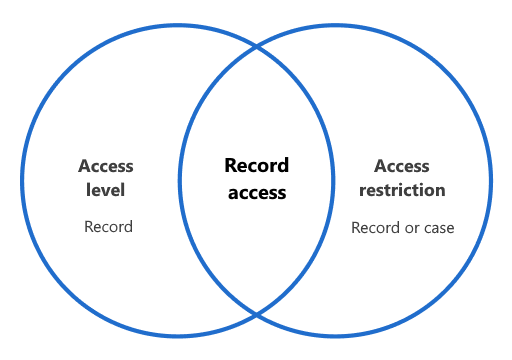
Figure 1. The intersection between access level and access restriction determines who can access the record