Create deliveries for e-Boks
| The content of this page is last updated to F2 version 10. You can find new features and changes to Digital Post in our release notes. |
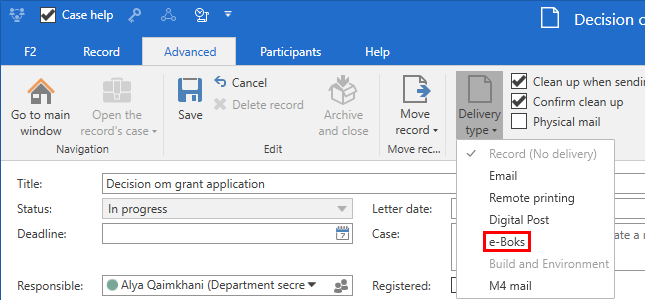
e-Boks deliveries can be created from either F2’s main window or from a record. Both options are discussed in the following sections. While the creation methods differ, the sending procedure remains the same.
Create e-Boks deliveries from the main window
Click New e-Boks in the main window ribbon to create a new delivery to e-Boks.
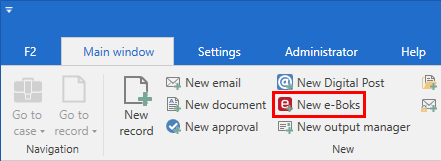
Figure 1. The “New e-Boks” menu item
It is also possible to create e-Boks deliveries using the context menu in the main window.
Right-click a record or case in the result list and select New in the context menu. Then click on New e-Boks.
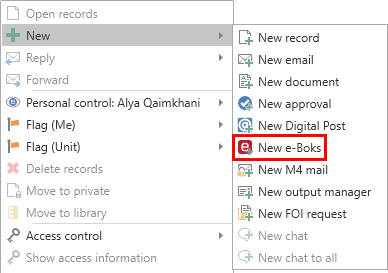
Figure 2. Create a new e-Boks delivery from the context menu in the main window
The record window then automatically opens in the e-Boks view.